After-hours call answering for senior living
After-Hours Answering Service for Senior Living
JoyLiving helps senior living communities answer calls when the front desk is busy or closed, capture caller intent, summarize context, and route urgent requests according to your escalation workflows.
7-day free trial · No credit card required
Capture family calls after hours
Route urgent requests to the right workflow
Reduce missed calls and vague voicemails
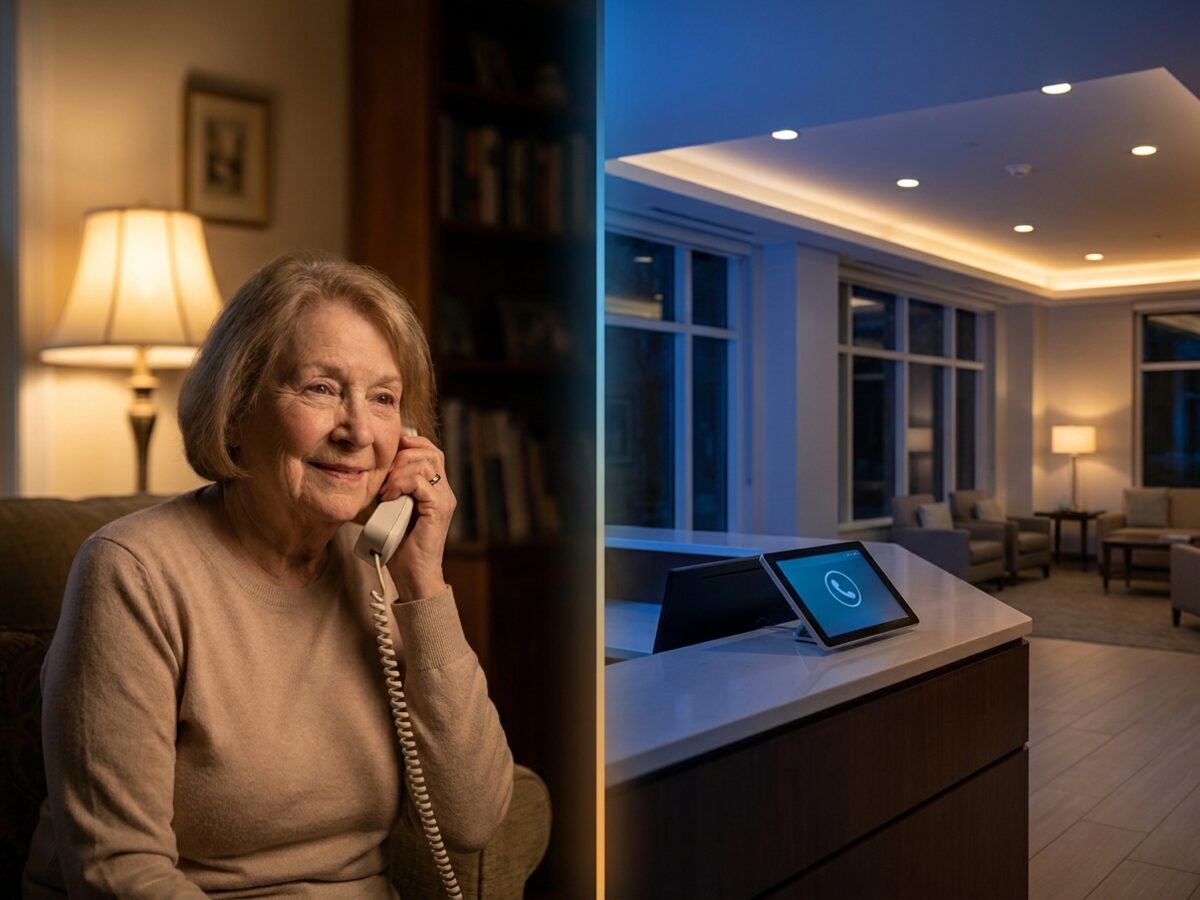
After-hours calls come in all shapes and sizes
Senior living after-hours calls can come from families, residents, staff, vendors, prospects, and urgent concerns. A useful system must distinguish routine follow-up from issues that require escalation.
Family update requests
Resident concerns
Prospect calls & lead capture
Tour booking & CRM sync
Vendor access or coordination
Staff callouts or routing
Urgent escalation triggers
Far more than voicemail
Voicemail creates delays and ambiguity. JoyLiving captures caller intent, classifies the request, and helps route the next step so teams are not starting from a vague missed-call notification.
| Need | Voicemail | Traditional answering service | JoyLiving after-hours voice agent |
|---|---|---|---|
| Caller intent | Unstructured audio | Basic message text | Understands & answers |
| Senior living context | None | Basic script | Built for senior living |
| Urgency detection | Manual listen required | Written summary | Auto-classifies urgency |
| Escalation routing | No | Manual paging | Routes to correct team |
| Follow-up summaries | Audio file only | Message log | Actionable summary |
| Operational visibility | Inbox counts | Message logs | Dashboard with insights |
Handle requests while your staff sleeps
After-hours call handling is more valuable when call context can support the workflows your team already uses. JoyLiving helps turn late-night and weekend calls into clearer follow-up paths instead of disconnected voicemail.
TELS
Use JoyLiving to capture after-hours call context and support follow-up workflows connected to TELS.
TheWorxHub
Use JoyLiving to capture after-hours call context and support follow-up workflows connected to TheWorxHub.
Zendesk / Freshdesk
Use JoyLiving to capture after-hours call context and support follow-up workflows connected to Zendesk / Freshdesk.
Google Sheets
Use JoyLiving to capture after-hours call context and support follow-up workflows connected to Google Sheets.
Excel
Use JoyLiving to capture after-hours call context and support follow-up workflows connected to Excel.
RealPage / OneSite
Use JoyLiving to capture after-hours call context and support follow-up workflows connected to RealPage / OneSite.
Go Icon
Use JoyLiving to capture after-hours call context and support follow-up workflows connected to Go Icon.
Speak2Family
Use JoyLiving to capture after-hours call context and support follow-up workflows connected to Speak2Family.
LifeLoop
Use JoyLiving to capture after-hours call context and support follow-up workflows connected to LifeLoop.
Sentrics
Use JoyLiving to capture after-hours call context and support follow-up workflows connected to Sentrics.
Cubigo
Use JoyLiving to capture after-hours call context and support follow-up workflows connected to Cubigo.
Microsoft Teams
Use JoyLiving to capture after-hours call context and support follow-up workflows connected to Microsoft Teams.
Slack
Use JoyLiving to capture after-hours call context and support follow-up workflows connected to Slack.
Gmail / Outlook / Email
Use JoyLiving to capture after-hours call context and support follow-up workflows connected to Gmail / Outlook / Email.
SMS
Use JoyLiving to capture after-hours call context and support follow-up workflows connected to SMS.
Salesforce
Use JoyLiving to capture after-hours call context and support follow-up workflows connected to Salesforce.
HubSpot
Use JoyLiving to capture after-hours call context and support follow-up workflows connected to HubSpot.
WelcomeHome
Use JoyLiving to capture after-hours call context and support follow-up workflows connected to WelcomeHome.
Aline
Use JoyLiving to capture after-hours call context and support follow-up workflows connected to Aline.
Google Calendar
Use JoyLiving to capture after-hours call context and support follow-up workflows connected to Google Calendar.
Outlook Calendar
Use JoyLiving to capture after-hours call context and support follow-up workflows connected to Outlook Calendar.
Calendly
Use JoyLiving to capture after-hours call context and support follow-up workflows connected to Calendly.
PointClickCare
Use JoyLiving to capture after-hours call context and support follow-up workflows connected to PointClickCare.
MatrixCare
Use JoyLiving to capture after-hours call context and support follow-up workflows connected to MatrixCare.
August Health
Use JoyLiving to capture after-hours call context and support follow-up workflows connected to August Health.
ECP
Use JoyLiving to capture after-hours call context and support follow-up workflows connected to ECP.
Netsmart
Use JoyLiving to capture after-hours call context and support follow-up workflows connected to Netsmart.
How JoyLiving handles after-hours calls
Our AI voice layer captures context and routes inquiries effectively, helping your team focus on the conversations that matter most.
Answer the call and provide personalized greeting
Identify caller type and need
Leverage knowledge base to address caller need or identify escalation options
Answer questions, transfer, trigger workflows, or create tickets as needed
Summarize, log and perform post-call analysis
Common after-hours call scenarios
JoyLiving captures context and routes inquiries effectively, helping your team focus on the conversations that matter most.
“I need an update about my parent.”
“I’m calling about a resident concern.”
“I want to schedule a tour.”
“There is a maintenance issue.”
“I need to reach the right staff member.”
“I’m calling about something urgent.”
Human escalation and safety boundaries
JoyLiving should support after-hours workflows, not replace human judgment. Urgent resident concerns, emergencies, safety risks, medical or care-sensitive language, and complaints requiring leadership review should follow the human escalation rules configured by the community.
Give after-hours callers a clearer path than voicemail
JoyLiving helps senior living teams answer calls, capture context, and route follow-up even when the front desk is closed or busy.
7-day free trial · No credit card required
Frequently Asked Questions
What is after-hours call answering for senior living?
After-hours call answering for senior living helps communities respond to calls outside normal front desk coverage, capture caller intent, and route routine or urgent requests to the appropriate follow-up workflow.
How does JoyLiving help with after-hours family calls?
JoyLiving can answer family calls, capture the reason for the call, summarize key context, and support routing or escalation based on the community's workflow rules.
Can JoyLiving handle urgent calls?
JoyLiving can help identify urgent language and route calls according to configured escalation workflows. It should not replace emergency procedures or human judgment.
Is JoyLiving different from voicemail?
Yes. Voicemail records an unstructured message. JoyLiving is designed to capture caller intent, classify requests, summarize context, and help route the next step.
Does JoyLiving integrate with senior living systems?
Yes. JoyLiving integrates with existing operational platforms shown on our homepage to connect call context directly to your workflows.